
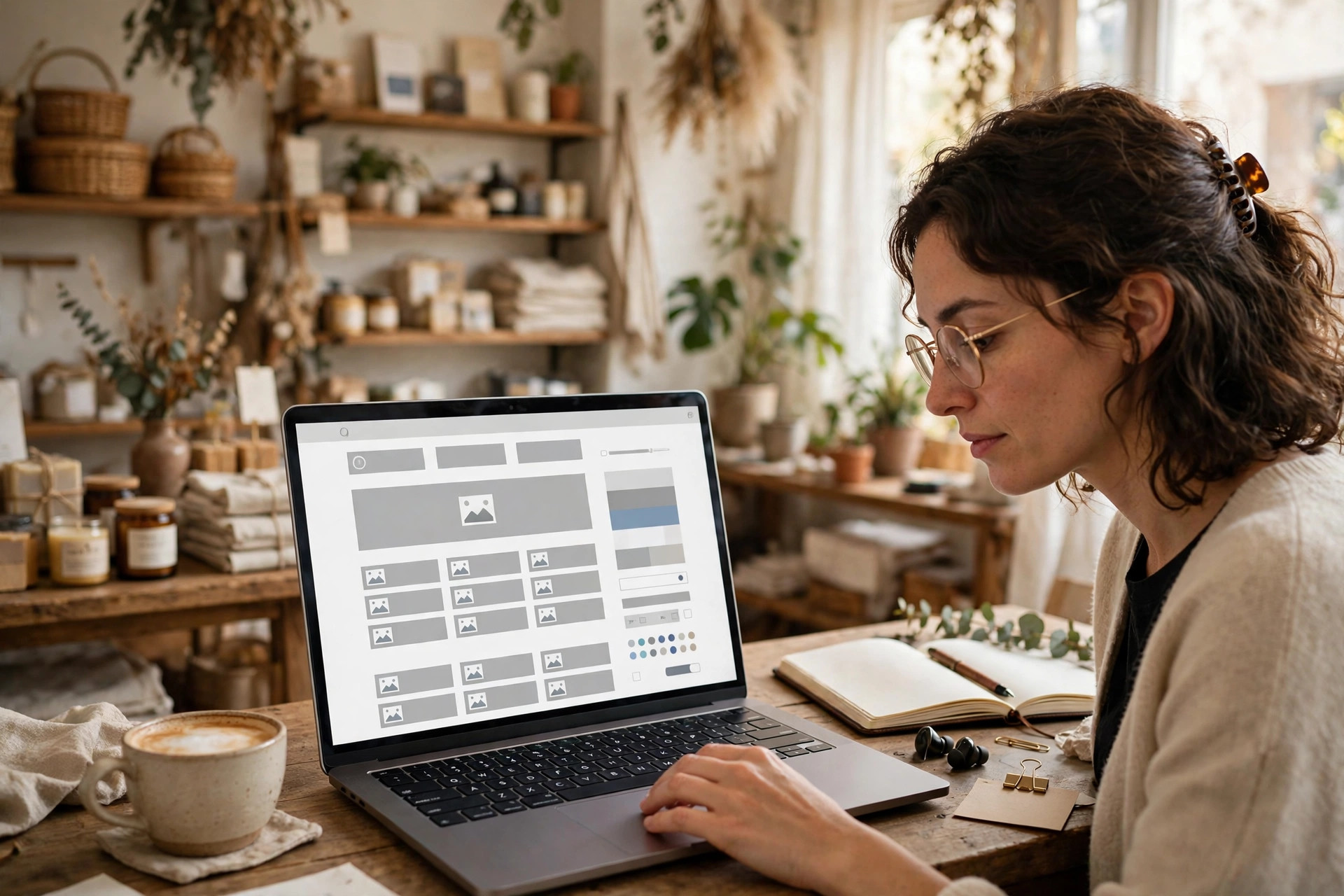
Learning how to create a business website is one of the highest-value things a small business owner can do. Your website works around the clock: it introduces your business to strangers, answers their questions, shows off your products or services, and turns visitors into customers while you do the actual work. You do not need coding skills or a big budget — just a clear plan and a few focused hours.
This guide walks you through the whole process, from choosing a platform and a domain name to writing pages that sell and launching with confidence. If you are still at the very beginning, our guide on how to start a small business covers the foundations first — registering, planning, and getting your first customers.
Why Your Business Needs a Website
Many small businesses still rely only on social media or word of mouth, and both are valuable — but neither replaces a website. A social media account can change its rules, limit your reach, or disappear entirely, while a website is an asset you own and control. It also builds trust: most people check for a website before buying from a business they do not know.
A good website does four jobs: it explains what you offer, proves you are good at it, answers common questions, and gives people a clear next step — call, book, buy, or visit.
Step 1: Plan Before You Build
Before you touch a website builder, spend an hour planning — a site built without one ends up saying a little about everything and convincing nobody. Answer these questions first:
- What is the one thing you want visitors to do? For most small businesses it is one clear action: call, book an appointment, request a quote, or buy. Everything on the site should lead toward it.
- Who are your customers? Write down who they are, what problem they are solving, and what worries them about choosing a business like yours. Your pages should speak to those worries directly.
- What pages do you need? Most small business websites need five or six: home, about, products or services, pricing, testimonials, and contact. Start with those and add more later.
- What content do you already have? Gather your logo, photos of your work, testimonials, prices, opening hours, and your business story. Real photos of your actual work beat stock photos every time.
Keep the plan simple: a small, finished website beats a large, half-finished one, and you can always add pages later.
Step 2: Choose a Platform
For most small businesses, a website builder is the right choice. Builders such as WordPress, Wix, and Squarespace let you create a professional site with drag-and-drop tools and no coding. WordPress offers the most flexibility, while Wix and Squarespace are simpler to start with and handle the technical side for you.
When you compare platforms, check four things: ease of use, whether it supports what you need now and later (such as booking or a shop), monthly cost, and whether you can move your site elsewhere later. Avoid a platform that makes it hard to export your own content.
If you sell online, choose a platform with proper e-commerce features from the start — cart, payments, and order management — rather than bolting them on later. If you mainly need people to call or book, a simple site with a strong contact page and booking form is enough.
Step 3: Pick a Domain Name and Hosting
Your domain name is your address on the internet, such as yourbusiness.com. Choose something short, easy to spell, and easy to say out loud — your business name is usually best, and a .com address is still the most trusted, although a local ending works well if the .com is taken.
Hosting stores your website files and makes them available online. Many builders include hosting in their monthly price; if you use WordPress, you will need separate hosting, widely available at a modest monthly cost. Either way, choose a provider with good support, automatic backups, and a security certificate included — the certificate puts the padlock in the browser address bar and tells visitors the site is secure.
Step 4: Design Your Pages
Good design for a small business website is simple and clear, not flashy. Visitors should understand within seconds what you do, who you serve, and what to do next:
- One clear headline per page. Say what you offer and who it is for in plain words, not clever slogans: “Family-run bakery in Decatur, Alabama” tells a visitor more than “Where taste meets tradition.”
- Your main action everywhere. Put your phone number, booking button, or shop link in the header of every page, not just the contact page.
- Real photos. Show your products, team, workspace, and finished work — photos build trust faster than any amount of text.
- Plenty of white space. Short paragraphs, clear headings, and room to breathe make a site easier to read, especially on a phone.
- Mobile first. Most visitors will arrive on a phone, so check every page on your own phone before you launch — buttons should be easy to tap and text easy to read without zooming.
Step 5: Write Content That Turns Visitors Into Customers
Each page needs a job. Your home page should make the promise clear in the first screen; your services page should explain what is included, what it costs, and what happens when someone gets in touch; your about page should tell your story briefly and show why people can trust you.
A few genuine quotes from real customers, with first names and ideally photos, convince a hesitant visitor more than any claim you make about yourself. Ask your best customers for a short quote — most are happy to help.
Make sure your prices are easy to find, or explain clearly how pricing works if every job is different. Hidden prices are a main reason visitors leave without getting in touch, so read our guide on how to price your products before you write your services page — it helps you present prices confidently instead of apologising for them.
Step 6: Add the Essentials Before You Launch
Before your website goes live, check these essentials:
- Contact details on every page — phone, email, address, and opening hours, all correct and up to date.
- A contact form that works — test it yourself and confirm the message arrives.
- A Google Business Profile. This free listing helps local customers find you in search results and on maps, and links directly to your website.
- Basic search optimisation. Use clear page titles, write a short description for each page, and use headings that describe the content. Clear, honest pages are most of it.
- Loading speed. Compress images before uploading — large, uncompressed photos are the most common reason small business sites load slowly.
- Legal pages. A simple privacy policy and terms page, especially if you collect details or sell online.
Step 7: Launch and Promote Your Website
Launching is the starting line, not the finish line. A website nobody visits helps nobody, so promotion matters as much as building. Start free: tell existing customers, add the address to your email signature, business cards, invoices, and social media, and ask happy customers to review you on your Google Business Profile.
Social media and your website should work together, not compete: social accounts bring people in, and your website closes the sale. A written how to create a social media marketing plan helps you decide what to post, where, and how often, so social media sends people to the pages that matter instead of just collecting likes. If money is tight, our guide on how to market your business on a budget has a dozen low-cost ideas that work well alongside a new website.
Common Mistakes to Avoid
- No clear next step. If a visitor finishes reading and does not know what to do next, the site has failed — every page needs an obvious action.
- Outdated information. Old prices, opening hours, and dead links quietly destroy trust — review the site at least once a quarter.
- Ignoring mobile visitors. If your site is hard to use on a phone, you are turning away most of your visitors.
Finally, remember a website is a tool for getting customers, not a trophy: does it bring in enquiries? If not, the fix is usually in the words, the photos, or the next step you ask visitors to take — and our guide on how to get your first customers has practical ways to turn early visitors into paying customers.
Frequently Asked Questions
How much does it cost to create a business website?
A basic do-it-yourself website can cost very little: a domain name and hosting or a builder plan typically run to a modest monthly amount, and many small businesses get a good site live for well under a hundred dollars a year. Hiring a professional costs more — usually several hundred to several thousand dollars — but it can be worth it for custom features.
Do I need to know how to code to create a business website?
No. Modern builders such as WordPress, Wix, and Squarespace let you build a professional site with drag-and-drop tools and ready-made templates, without writing a line of code. You only need coding for highly custom features, and even then you can hire help for that part while managing the rest yourself.
How long does it take to build a business website?
A simple site with a handful of pages can be built in a weekend if your text and photos are ready. A larger site with a shop, booking system, or many products takes longer — often a few weeks. Planning and writing usually take more time than building, so gather your content first.
What pages does a business website need?
Most small business websites need a home page, an about page, a products or services page, a contact page, and proof of your work, such as testimonials or a gallery. If you sell online, you also need product pages and a checkout. Start with those essentials and add pages — such as a blog or portfolio — as your business grows.
How do I get customers to find my website?
Start with the basics: clear page titles and descriptions, a Google Business Profile, sharing the site on social media, and the address on your business cards and email signature. Then keep adding useful content and collecting reviews — search visibility builds over weeks and months, so the sooner your site is live, the sooner it works for you.
More Articles You’ll Like
Keep reading — more from this category and across the site:
- 10 Small Business Ideas You Can Start in 2026
- How to Register a Business in Alabama: A Step-by-Step Guide
- How to Handle Customer Complaints: A Small Business Guide
- How to Create a Business Budget: A Step-by-Step Guide
- 50 Funny Business Jokes for Work and Office Laughs
- How to Create a Business Plan: A Step-by-Step Guide
- How to Choose a Business Structure for Your Small Business
- How to Write a Business Proposal That Wins Clients
- How to Get a Small Business Loan: A Step-by-Step Guide
- 50 Funny Christmas Jokes for Kids to Share This Holiday