
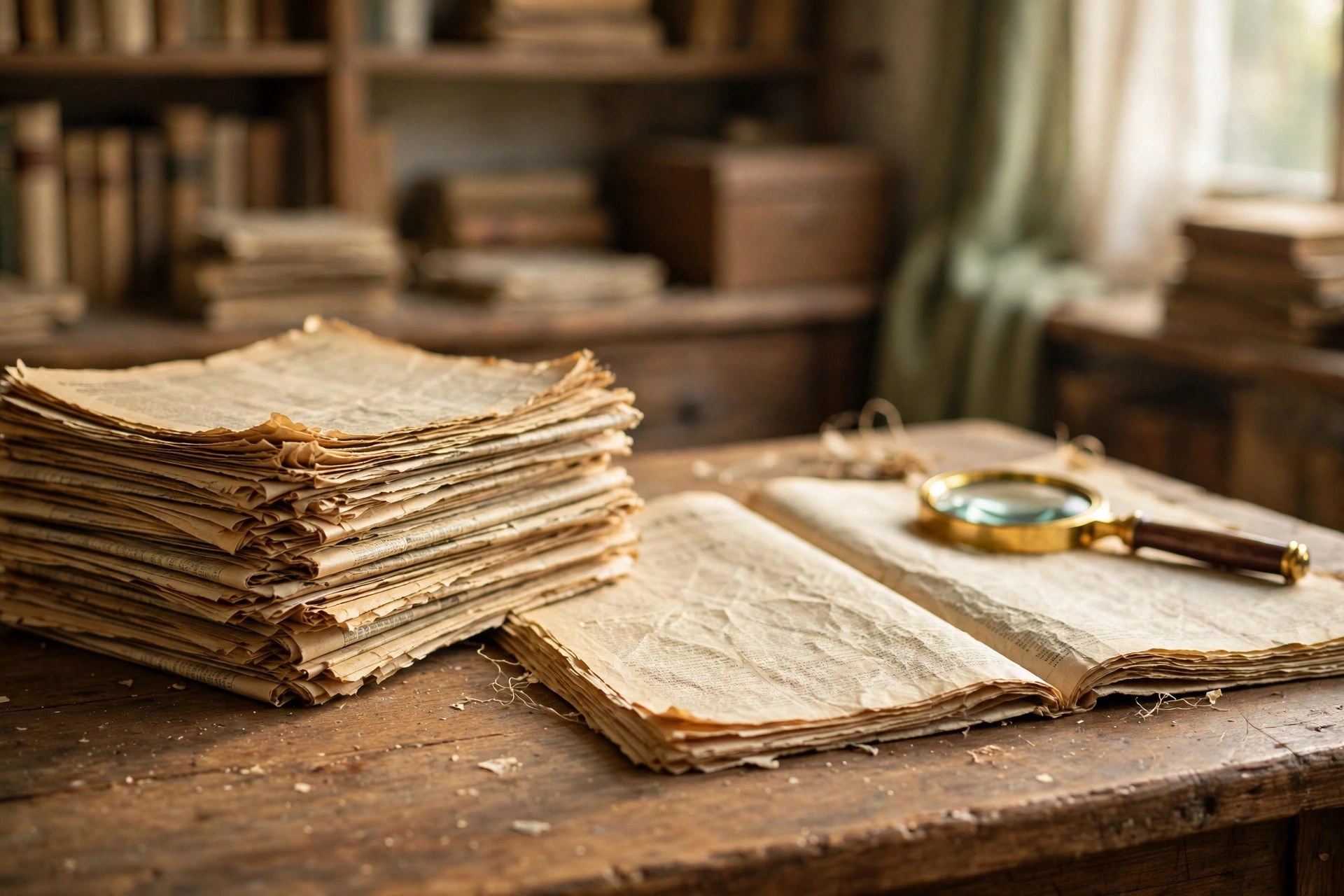
The Decatur Daily has covered Morgan County and the Tennessee Valley for well over a century, and its back issues hold a remarkable record of the region: births, marriages, school news, local businesses, and thousands of obituaries. If you are tracing family history or tracking down a long-ago news story, this guide explains how to search the Decatur Daily archives for old obituaries and news, from the paper’s own website to the library collections and newspaper databases that hold its oldest issues.
Old newspapers are one of the best sources for local history because they recorded everyday life, not just major events. An obituary from 1962 may be the only place that lists a person’s parents, children, and church; a news clipping from 1985 may be the only record of a family business opening its doors. Knowing where to look — and how to search once you are there — saves hours of frustration.
Before You Start: Narrow Down the Date
Archive searching works best when you can narrow the search to a year, or at least a decade. Before you begin, gather what you know:
- The person’s full name, including maiden names and nicknames.
- An approximate date of death or the date of the event you are researching.
- The town they lived in — Decatur, Hartselle, Athens, or a smaller Morgan County community.
- Names of family members, employers, or churches connected to the person.
If you only have a rough decade, start with death records or census records to pin down a year. Searching a whole decade page by page is slow work; searching a single month is fast. The same advice applies to news stories: a date, even an approximate one, turns an impossible search into a quick one.
Step 1: Search the Decatur Daily Website
Start at decaturdaily.com, the paper’s own website, and use its search box. Enter the person’s name in quotation marks to keep the first and last name together, and try adding “obituary” or a year to narrow the results. Recent obituaries — roughly the last decade or so — are usually indexed and searchable this way, and many are free to read.
Keep in mind that the paper’s website is mainly a current-news site, not a full historical archive. Older articles may be summarized, moved behind a paywall, or removed entirely. If the website search comes up empty, that does not mean the obituary was never published — it usually means you need one of the archive sources below.
The Decatur Daily also publishes obituaries through Legacy.com, so a parallel search there is worth doing. Legacy’s search covers many years of the paper’s obituaries and is free to use, though some entries link back to the newspaper’s site for the full text.
Step 2: Use Newspapers.com and Other Newspaper Databases
For older issues, Newspapers.com is the most useful tool available. It holds scanned pages of many Alabama newspapers, including runs of the Decatur Daily, and lets you search by name, keyword, place, and date range. The search reads the printed text of each page, so you can search for a name and see every page it appeared on — obituaries, wedding announcements, sports scores, and all.
A few tips make Newspapers.com searches much more effective. Search with the person’s name in quotation marks first, then try variations: a maiden name, a middle initial, or just a last name with a year. Use the date filter to limit results to the years that matter, and remember that old newsprint does not always scan cleanly — if a name search fails, try searching for a distinctive word from the obituary, like a church name or an employer’s name.
Other databases worth trying include GenealogyBank, which focuses on historical newspapers and obituaries, and Google News Archive, which holds scanned runs of some older newspapers. The free genealogy site FamilySearch also indexes many death records and newspaper clippings, and it can help you confirm a date before you search the papers.
Step 3: Check the Decatur Public Library
The Decatur Public Library holds local history and genealogy resources that cover the paper’s long run, and its staff can help you find material that is not available online at all. Many public libraries subscribe to newspaper databases such as NewsBank or Newspapers.com Library Edition, which you can use free inside the library even though they charge for home access.
Call or visit and ask about the library’s local history collection: microfilm of the Decatur Daily, clipping files, city directories, and cemetery records. Librarians who work with local history every day often know exactly which years are covered by which resource, and they can save you from searching a database that stops in 1970 when you need 1985. Some libraries will also run a lookup by phone or email if you cannot visit in person.
Step 4: Try State and County Archives
When the library’s holdings run out, the next stop is the archive level. The Alabama Department of Archives and History in Montgomery holds Alabama newspapers on microfilm, including long runs of papers from Morgan County, and its staff can help with research requests. The Morgan County Archives in Decatur is another resource for county records, including probate and court records that can fill gaps when a newspaper issue is missing.
County records pair well with newspaper research: a probate file or a land record can confirm a date of death, a spouse’s name, or an address, and that detail can unlock the newspaper search. Work back and forth between the two — the archives give you dates, and the newspapers give you the story.
Understanding Old Newspapers: A Few Practical Notes
Old newspapers follow conventions that surprise modern readers. Obituaries were often much shorter than today’s, sometimes only a few lines, and they were not always filed under the word “obituary” — look for “deaths,” “funeral notices,” or “in memoriam” sections. Spelling was less consistent, too: a family name may appear with two different spellings in the same issue.
It also helps to know a little about how the papers themselves were made. The large-format printing presses that produced broadsheet newspapers shaped the way pages were laid out, with dense columns of small type that scanning software sometimes misreads. If a search misses a name you are sure should be there, browse the pages around the expected date instead of trusting the search alone — your eyes will catch what the software missed.
What Else the Archives Can Tell You
Do not limit yourself to obituaries. The same archive searches turn up wedding announcements, birth notices, school honor rolls, business openings, and club news — the small details that turn a family tree into a family story. There is a word for the feeling this research gives you: sonder, the realization that every stranger’s life is as rich as your own. Reading a 1940s society page, full of people who were once as busy and hopeful as we are, is a vivid reminder of it.
If your research takes you beyond Decatur, the same techniques work across the Tennessee Valley. Our guide to finding obituaries in Madison covers the Huntsville–Madison newspapers and libraries, and the guide to finding obituaries in Huntsville covers the same sources from the Huntsville side. And if your search ends with you needing to write a notice yourself, see how to write an obituary — a simple template and examples will get you started.
Saving What You Find
Once you find an article or obituary, save it immediately. Download the clipping, take a screenshot, or print the page, and record where it came from: the newspaper name, the date, and the page number if you have it. Digital archives change — subscriptions lapse, interfaces are redesigned, and pages move — so a saved copy with its source noted is worth far more than a bookmark.
If you are building a family history, keep a simple log of what you searched and what you found, including the searches that came up empty. That log stops you from repeating work months later, and it shows the next researcher in the family exactly where you left off.
Frequently Asked Questions
Are the Decatur Daily archives free to search?
Recent obituaries on decaturdaily.com and Legacy.com are usually free to search. Older issues on Newspapers.com and GenealogyBank generally require a subscription, but you can often use those databases free inside the Decatur Public Library or another public library.
How far back do the Decatur Daily archives go?
The Decatur Daily traces its history to 1912, and archive coverage varies by source: the paper’s own website covers roughly the last decade, Newspapers.com holds scanned issues from various years, and the Alabama Department of Archives and History holds the paper on microfilm for much of its run.
Can I find an obituary if I do not know the exact date of death?
Yes, but start by narrowing the date. Check FamilySearch or a death certificate for the year, then search the newspaper archives by that year and the person’s name. Searching a single year is far faster than searching a whole decade.
What if the obituary is not in the Decatur Daily?
The notice may have appeared in another paper — the Huntsville Times through AL.com, a Hartselle or Athens paper, or the newspaper of the city where the person died. Try the same name search on Legacy.com and Newspapers.com, and check the funeral home’s website, which often keeps obituaries online for years.
Can the library help if I do not live in Alabama?
Often, yes. Many libraries answer lookup questions by phone or email, and the Alabama Department of Archives and History takes research requests from out of state. Your own local library may also offer remote access to the same newspaper databases the Decatur library uses.
More Articles You’ll Like
Keep reading — more from this category and across the site:
- What Does ‘No Cap’ Mean? Meaning, Origin, and Examples
- How to Package Baked Goods for Shipping Without Breaking Them
- What Is 3D Printing? How It Works and What It’s Used For
- How to Price Your Products for Profit: A Simple Guide
- How to Build a Bedtime Routine That Helps You Sleep Better
- What Does ‘Ephemeral’ Mean? Meaning, Origin, and Examples
- 50 Funny Road Trip Jokes for Kids and Adults