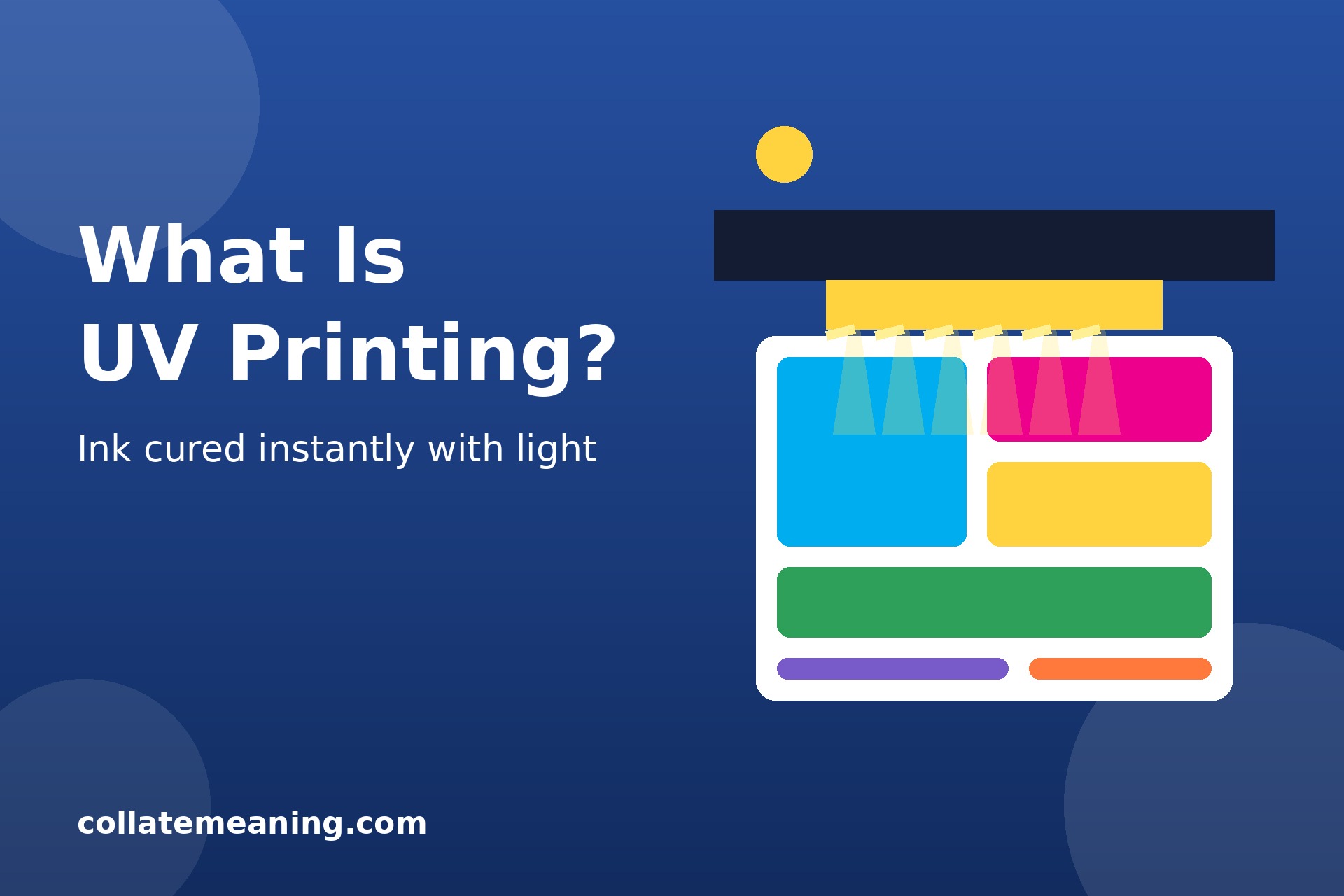
What is UV printing? It is a digital printing method in which special inks are cured, or dried, almost instantly by ultraviolet (UV) light. Instead of letting ink soak into paper and dry slowly in the air, a UV printer lays down liquid ink and then passes a UV lamp over it. The light hardens the ink in a fraction of a second, leaving a crisp, durable image sitting on the surface of the material.
Because the ink dries the moment it is cured, UV printing works on almost any flat surface, from paper and card to wood, glass, metal, acrylic, and plastic. That flexibility is why you see it everywhere, from shop signs and phone cases to promotional products and packaging. It is closely related to how digital printing works, but the UV curing step is what sets it apart.
What Is UV Printing?
UV printing, short for ultraviolet printing, is a form of digital printing that uses UV-curable inks. These inks stay liquid until they are exposed to ultraviolet light, which triggers a chemical reaction called photopolymerisation. The ink hardens into a solid plastic-like layer bonded to the surface beneath it.
Unlike traditional printing, where ink is absorbed into paper fibres, UV ink sits on top of the material. That is why the print feels slightly raised to the touch and why it works so well on non-porous materials such as glass and metal, which ordinary ink would simply slide off.
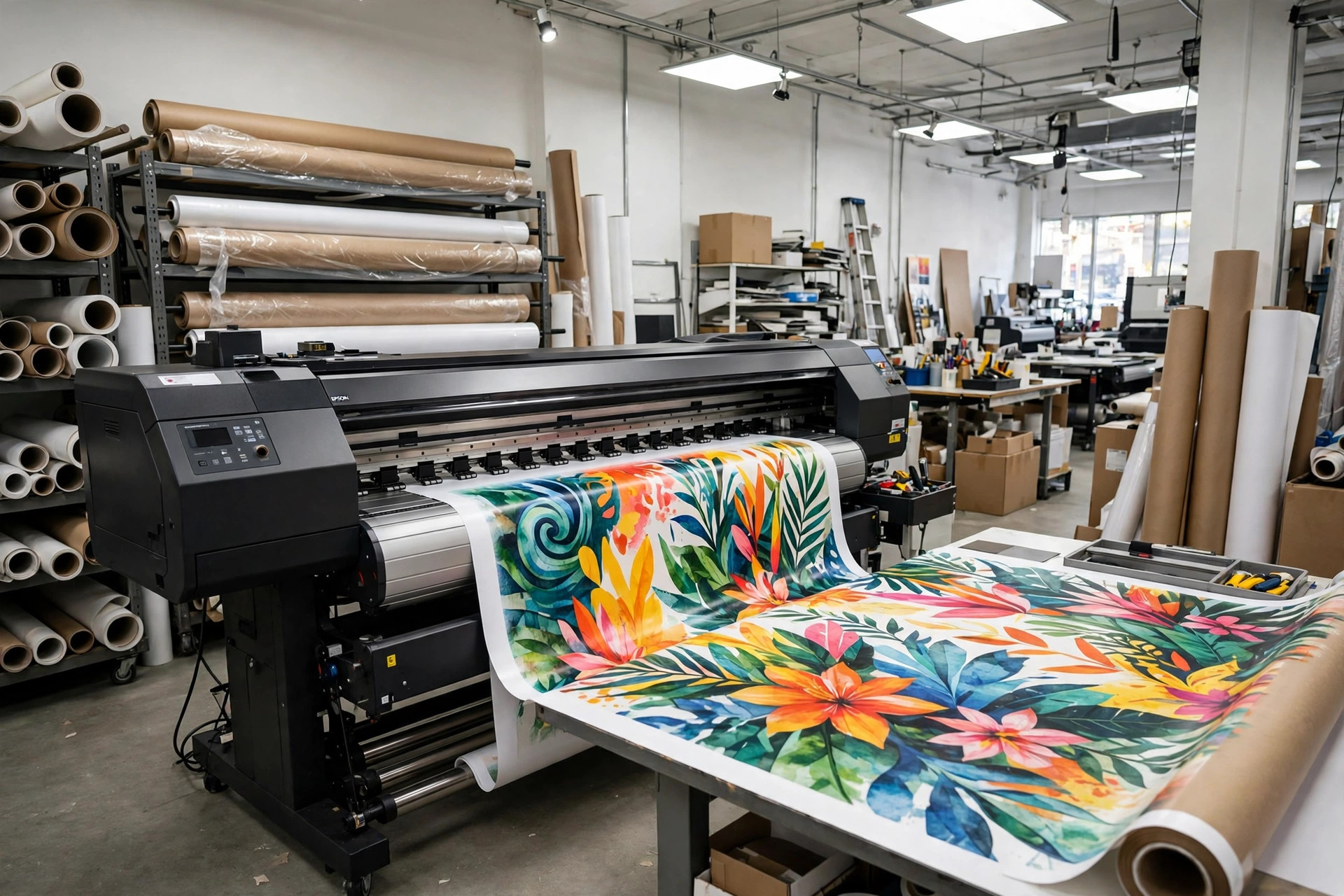
Most UV printers are flatbed machines. The material lies flat on a bed, the print head moves back and forth above it, and UV lamps mounted beside the head cure each pass of ink as it is laid down. Roll-to-roll UV printers also exist for flexible materials such as vinyl and banner fabric.
How UV Printing Works
The process is straightforward, and it happens in four main stages.
1. The artwork is prepared
The design is created in a graphics program and sent to the printer as a digital file, usually a PDF. Colours are set in CMYK, and any white ink or varnish layers are marked as separate channels in the file. Good file preparation matters here just as it does for any print job, so it is worth reading how to prepare files for print before you send artwork to a UV printer.
2. Ink is jetted onto the surface
Tiny nozzles in the print head spray droplets of UV ink onto the material in precise patterns. Most UV printers use the standard CMYK colours, plus white ink and sometimes a clear varnish. White ink is important because it lets the printer print vivid colours on dark or transparent materials, by laying down a white base layer first.
3. UV lamps cure the ink instantly
LED lamps mounted next to the print head shine ultraviolet light onto the freshly printed ink. The light hardens it within seconds, so each layer is dry before the next one is added. There is no waiting time, no smudging, and no need for the printed item to be left out to dry.
4. Extra layers add texture and effects
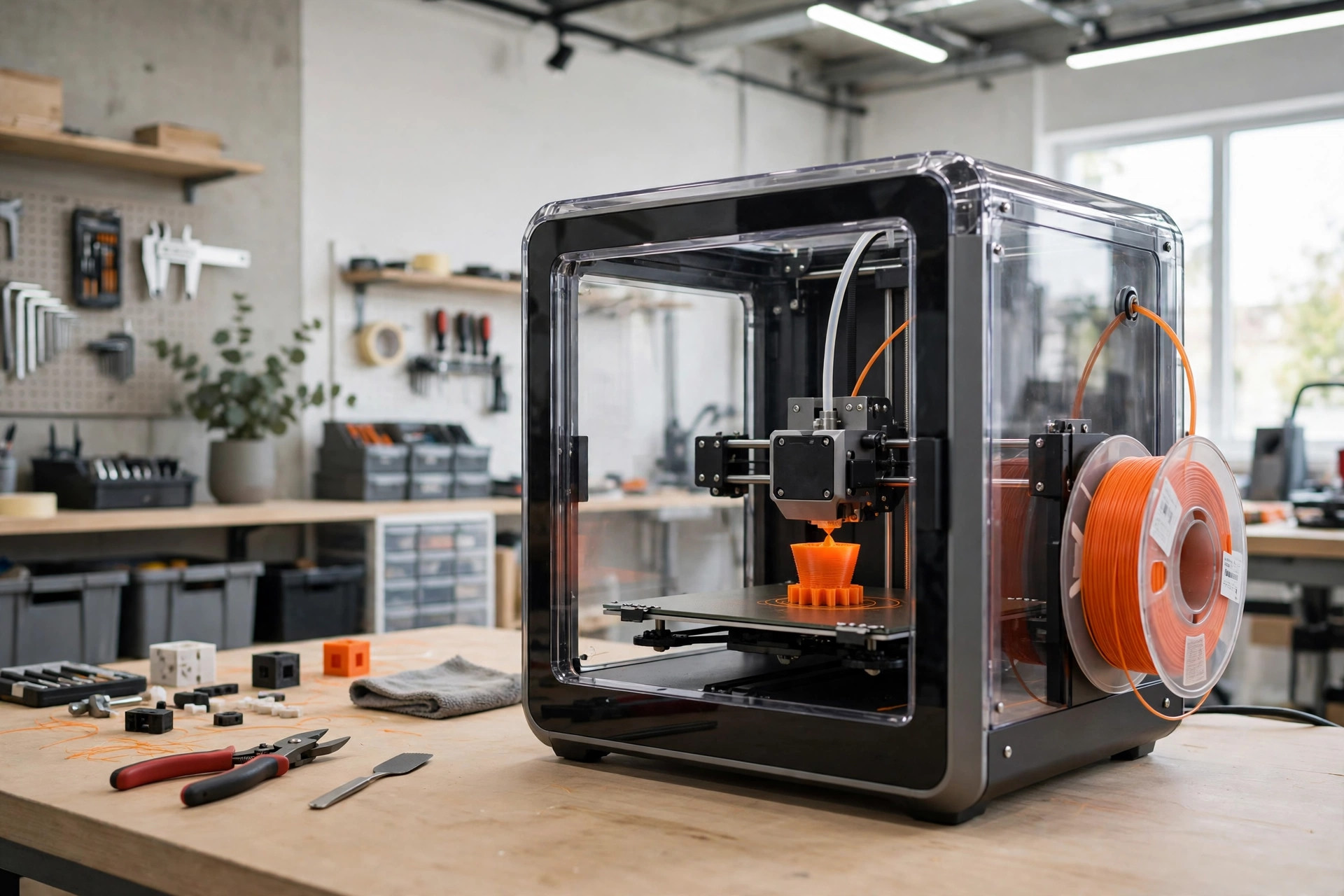
The printer can pass over the same area several times, building up layers of ink to create a raised, textured finish that you can feel with your fingertips. A clear varnish layer can be added for a glossy spot effect, or a matte finish can be used for a softer look. This layering gives UV prints a small taste of how 3D printing builds objects layer by layer, except that the result is a textured image on a flat surface rather than a solid object.
UV Printing vs Other Printing Methods
UV printing is one of several ways to put an image on a surface, and each method has its place. Here is how it compares with the most common alternatives.
UV printing vs digital printing
Standard digital printing uses toner or water-based ink that soaks into paper, while UV printing uses light-cured ink that sits on the surface. Digital printing is cheaper and faster for ordinary paper documents, but UV printing handles far more materials and produces a tougher, more scratch-resistant finish.
UV printing vs offset printing
Offset printing is the workhorse of high-volume commercial print, and what offset printing is explains why it wins on very large runs: once the plates are made, each copy is extremely cheap. UV printing has no plates and no setup cost per design, so it is better for short runs, one-offs, and personalised items. Offset also cannot print directly onto thick or rigid materials the way a UV flatbed can.
UV printing vs screen printing
Screen printing pushes ink through a mesh stencil, one colour at a time. It is excellent for large runs of simple designs on fabric, but it struggles with photographic detail and multi-colour artwork. UV printing reproduces full-colour photographs easily and needs no screens, so it is better for detailed, one-off, or small-batch work.
What Can You Print With UV Printing?
The list of materials is one of UV printing’s biggest selling points. Common choices include:
- Acrylic and Perspex — signs, awards, and display panels with a clean, modern look.
- Wood — plaques, coasters, wooden boxes, and decorative panels.
- Metal — aluminium signs, nameplates, and promotional items.
- Glass — bottles, mirrors, and printed glass panels.
- Plastic — phone cases, pens, USB drives, and packaging.
- Leather — wallets, notebooks, and luggage tags.
- Ceramic and stone — tiles, mugs, and memorial plaques.
- Paper and card — business cards, invitations, and stickers with a raised, glossy finish.
Because the ink bonds to the surface rather than soaking in, prints on hard materials are waterproof and resistant to fading, scratching, and sunlight. That makes UV printing a good choice for items that will be handled often or used outdoors.
Advantages of UV Printing
UV printing has several clear strengths that explain its popularity.
- Instant drying. Prints come off the machine dry and ready to handle, pack, or ship, with no drying time at all.
- Works on almost any material. Paper, wood, glass, metal, plastic, leather, and more can all be printed in the same machine.
- Vivid, durable colour. The cured ink is bright, waterproof, and resistant to scratches and fading.
- Textured and special effects. Layered ink creates raised textures, braille, and spot gloss effects that ordinary printing cannot match.
- No setup costs. There are no plates or screens, so one-offs and short runs are affordable.
- Environmentally friendlier. UV inks release almost no volatile organic compounds (VOCs), and the process uses less energy than heat-drying methods.
Limitations and Downsides
UV printing is not the right choice for every job. The machines are expensive, so the cost per print is higher than standard digital printing, especially for large runs of simple paper items. The ink layer can also crack if a printed flexible material is bent sharply, and very thin or heat-sensitive materials may not suit the process. Colour matching can be trickier than with offset printing, because the ink sits on the surface and its appearance changes with the material underneath. Finally, UV printing is best for flat or gently curved surfaces; it cannot wrap around a fully round object the way pad printing can.
When to Use UV Printing
Choose UV printing when you need a short run, a one-off, or a personalised item printed on a rigid or unusual material. It is ideal for signage, awards, promotional products, packaging prototypes, phone cases, and any item where a tough, waterproof finish matters. It is also the right choice when you want a raised texture, braille, or a spot gloss effect.
Skip it when you need thousands of copies of a simple paper document, when the budget is tight and the material is ordinary paper, or when the item is very flexible and will be bent repeatedly. For very large signs and banners, what large format printing is may be a better fit, since large-format machines are built for oversized output.
How Much Does UV Printing Cost?
Prices vary by size, material, and quantity, but as a rough guide, a single custom phone case or small acrylic sign often costs between $10 and $40 from an online print service, while larger signs and awards can run from $50 to several hundred dollars. Short runs are where UV printing is most competitive: the price per item drops as quantities rise, but it rarely beats offset printing on runs of thousands. Always ask for a proof or a sample before ordering a large batch, and compare a few suppliers, since machine time and material costs differ between shops.
Frequently Asked Questions About UV Printing
Is UV printing durable?
Yes. UV-cured ink is waterproof, scratch-resistant, and resistant to fading from sunlight. Prints on rigid materials typically last for years indoors and for a long time outdoors, although harsh weather and constant handling will eventually wear any print down.
Can UV printing print on glass and metal?
Yes, glass and metal are two of the most popular materials for UV printing. The ink bonds to the surface rather than soaking in, so it adheres well to smooth, non-porous materials. A primer or adhesion promoter is sometimes used on very smooth surfaces to help the ink grip.
Is UV printing safe?
UV printing is safe when done correctly. The UV lamps are enclosed inside the machine, so operators are not exposed to the light, and modern UV inks release almost no fumes. You should never look directly at an exposed UV lamp, and printed items are completely safe to handle once cured.
What is the difference between UV printing and DTG printing?
DTG (direct-to-garment) printing sprays water-based ink directly onto fabric, usually T-shirts, and is best for soft clothing. UV printing works on rigid materials such as wood, glass, and metal, and the ink is cured with light. For T-shirts, DTG is the better choice; for hard promotional items, UV printing wins.
Does UV printing fade in sunlight?
UV prints are more resistant to sunlight than standard inkjet prints because the cured ink forms a solid, protective layer. They will still fade slowly after years of direct outdoor sun, but they last far longer than ordinary prints. For maximum outdoor life, ask for a UV-protective varnish or laminate.
More Articles You’ll Like
Keep reading — more from this category and across the site:
- What Does ‘Sus’ Mean? Meaning, Origin, and Examples
- Eco-Friendly Packaging for Small Businesses: A Practical Guide
- How to Find Obituaries in Florence, AL: A Step-by-Step Guide
- How to Register a Business in Alabama: A Step-by-Step Guide
- How to Start Journaling for Beginners: A Simple Guide
- What Does ‘Ineffable’ Mean? Meaning, Origin, and Examples
- 50 Funny Penguin Jokes for Kids and Adults