Digital printing is the fastest and most flexible way to turn a file on your computer into printed material. For large-format work, see our guide to sign printing. If you have ever ordered business cards online or printed a batch of flyers for an event, you have almost certainly seen digital printing in action — and cyanotype printing is one of the oldest alternatives; see what cyanotype printing is.
This beginner-friendly guide explains what digital printing is, how it works, when to use it instead of offset printing, what it costs, and how to prepare your files. For the older stencil method, see what screen printing is.
What Is Digital Printing?
Digital printing is a printing method in which a digital file is sent directly to a printer, which applies ink or toner to the paper without using printing plates. There is no plate, no blanket, and no lengthy setup: the printer reads your file and prints it, much like a large, high-quality version of an office printer.
Because there is no plate-making step, digital printing is ideal for short runs, fast turnarounds, and jobs where every copy is different. It is the method behind most online print services and same-day flyer printing.
Digital printing has improved enormously in the last twenty years. Modern digital presses produce sharp text, bright colours, and smooth photographs that are hard to tell apart from offset printing for most everyday jobs. For many small businesses and individuals, it is now the default choice.
How Does Digital Printing Work?
There are two main types of digital printing, and they work in different ways. Most print shops use one or both.
Inkjet printing
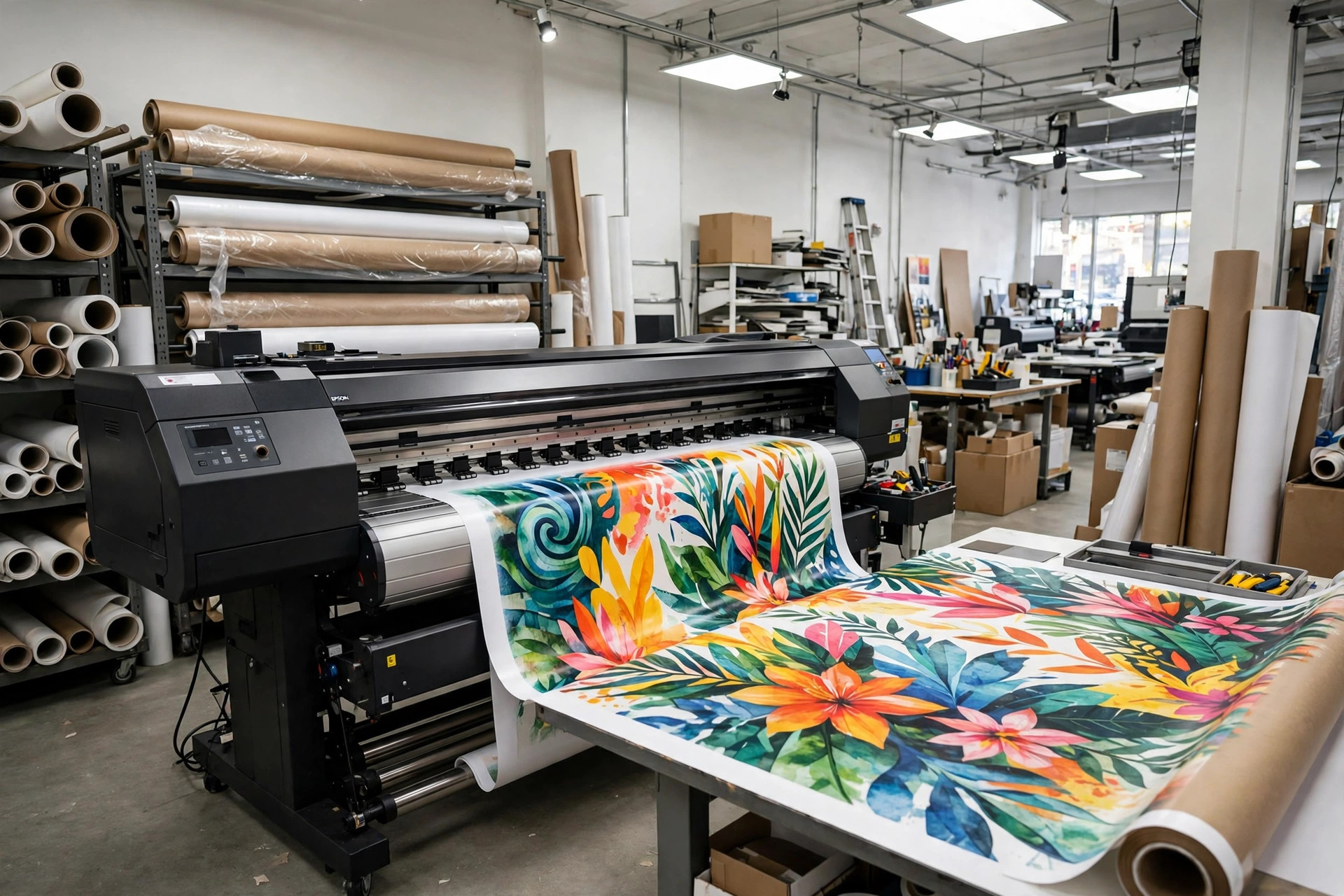
Inkjet printers spray tiny droplets of liquid ink directly onto the paper through thousands of microscopic nozzles. The droplets are so small and so precisely placed that they form smooth images and photographs. Large-format inkjet printers produce posters, banners, and signs, while smaller ones handle flyers and booklets.
Laser and toner printing
Laser printers use a different process. A laser draws the image onto a charged drum, toner (a fine dry powder) sticks to the charged areas, and the toner is then transferred to the paper and fused in place with heat. Toner printing is fast, produces crisp text, and works well for documents, business cards, brochures, and booklets.
From file to finished print
Whatever the technology, the workflow is the same. You send a PDF or image file to the printer, the printer’s software checks it and converts it into the instructions the press needs, and the press prints your job. Because each copy is printed from the same digital file, the printer can change the content between copies.
Digital Printing vs Offset Printing
Digital and offset printing solve different problems, so the best choice depends on your job. Here is how they compare on the things that matter most.
Setup cost. Digital has almost no setup cost because there are no plates to make. Offset has a significant setup cost for plates and press calibration. For a small job, digital is almost always cheaper.
Cost per copy. Digital costs roughly the same per copy whether you print 10 or 1,000. Offset gets cheaper per copy as the run gets longer. Offset usually becomes the cheaper option at around 500 to 1,000 copies.
Turnaround time. Digital is much faster. Many digital jobs are printed the same day or the next day, while offset jobs need time for plate-making and press setup.
Quality. Modern digital printing is excellent, and for most jobs the difference from offset is hard to spot. Offset still has a small edge for very fine detail, large areas of flat colour, and exact Pantone spot colours.
Personalisation. Digital can print a different name, address, image, or code on every copy. This is called variable data printing, and offset presses cannot do it without extra processes.
Paper choice. Offset presses handle a wider range of papers, including very thick card and unusual textures. Digital presses handle most common papers well.
When to Use Digital Printing
Digital printing is the right choice in most everyday situations. Use it when:
You need a small quantity. Ten business cards, 50 invitations, or 200 flyers are all classic digital jobs. Printing these on an offset press would cost far more per copy.
You are in a hurry. Same-day or next-day printing is a digital strength. If the event is this weekend, digital printing is the way to go.
You want to test a design. Print a small batch, see how it looks, and change the design before committing to a large run.
Every copy is different. Personalised letters, event tickets with unique codes, name badges, and direct mail campaigns all need variable data printing, which is a digital specialty.
You need several versions. If you need the same flyer in five languages, or a poster with a different date for each branch, digital printing can produce all the versions in one run.
Your budget is small. With no plate costs and no minimum order, digital printing lets you order exactly the quantity you need.
What Can You Print Digitally?
Digital presses handle a wide range of everyday printed products, including flyers, leaflets, posters, business cards, brochures, booklets, menus, invitations, labels, stickers, and personalised mail.
Large-format digital printers also produce banners, exhibition graphics, window displays, and signage. Many online print services now offer short-run books, printed digitally one copy at a time, so an author can sell a book without holding stock.
There are limits, though. Large runs are usually cheaper on an offset press, very thick card can be hard for some digital presses to feed, and exact Pantone spot colours are difficult to match with standard CMYK digital printing.
Digital Printing Pros and Cons
Here is an honest summary of where digital printing wins and where it falls short.
Advantages
Fast turnaround. No plates and minimal setup mean jobs can be printed the same day or the next day.
Low cost for short runs. With almost no setup cost, printing 50 copies costs roughly 50 times the cost of one copy, which makes small orders affordable.
Easy to change. Because the job is a digital file, you can update the text, fix a typo, or change a date and reprint immediately, with no new plates to make.
Personalisation. Variable data printing lets every copy carry different text, images, or codes.
No minimum order. You can print a single copy if that is all you need, which is useful for proofs, samples, and one-off items.
Disadvantages
Higher cost per copy on long runs. Once you pass a few hundred copies, offset printing usually works out cheaper per copy.
Slightly narrower paper range. Some textured, very thick, or unusual papers do not feed reliably through digital presses.
Colour matching limits. Exact Pantone spot colours are hard to reproduce with standard digital CMYK printing, so brand colours may be very close rather than exact.
Large solid areas can show banding. Very large areas of flat colour can sometimes show faint stripes on digital prints, while offset handles them smoothly.
What Does Digital Printing Cost?
Digital printing is priced mainly per copy, with small extras for paper and finishing. Because there is almost no setup cost, the total price rises in a fairly straight line with quantity: 100 flyers cost roughly twice as much as 50.
That makes pricing easy to predict, and it is why digital printing is popular with small businesses. You pay for what you need and nothing more. Costs vary with the size of the item, the paper, whether you print on one side or both, and finishing such as folding or lamination.
How to Prepare Your Files for Digital Printing
Good files make the difference between a professional result and a disappointing one. Follow these basics before sending artwork to a digital printer.
Use CMYK colour mode. Design in CMYK so the colours you see on screen are close to what the printer will produce. Colours that only exist in RGB on a screen cannot be printed accurately.
Use high-resolution images. Images should be 300 dots per inch at their final printed size. Photos taken from a website at 72 dots per inch will look blurry in print.
Add bleed. Extend backgrounds and images 3 mm beyond the trim edge on every side, so the finished piece has no white border if the cutting is slightly off.
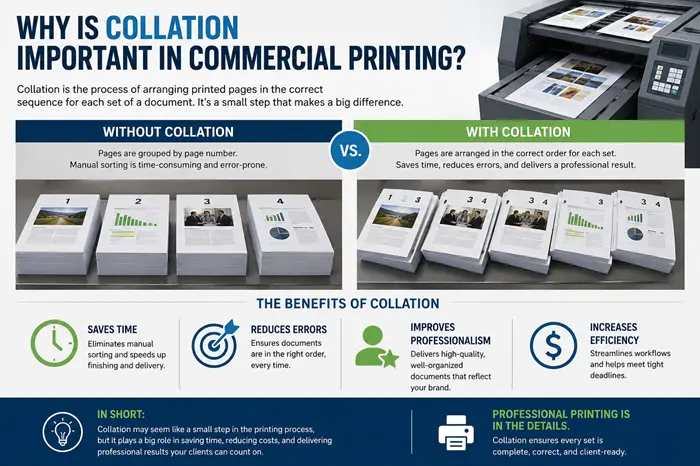
Keep text inside the safe margin. Keep important text and logos at least 5 mm inside the trim edge so nothing is cut off during trimming. Collation matters just as much for multi-page jobs — see why collation is important in commercial printing.
Embed or outline your fonts. Either embed the fonts in your PDF or convert the text to outlines, so the printer’s computer does not replace your font with a different one.
Export a print-ready PDF. Most printers ask for a PDF, and many specify PDF/X, a standard format that locks in fonts, colours, and resolution. If you are unsure which setting to use, ask the printer or use their online file-check tool.
Order a proof copy first. For an important job, print one copy first and check it before ordering the full run. Digital printing makes this cheap and easy, and it is the best way to catch a typo or a colour problem before you have 500 copies of it.
Frequently Asked Questions
What is digital printing in simple terms?
Digital printing is a printing method where a digital file is sent straight to a printer, which applies ink or toner to the paper without printing plates. It works much like a large, high-quality office printer. It is the best choice for short runs, fast turnarounds, and jobs where every copy can be different.
How is digital printing different from offset printing?
The main difference is plates. Offset printing needs a metal plate for each colour, which costs time and money to make but makes long runs cheap. Digital printing needs no plates, so setup is fast and cheap, but each copy costs more. Digital wins on short runs and speed; offset wins for large runs.
Is digital printing good quality?
Yes, modern digital printers produce sharp, bright, professional-quality results that are hard to tell apart from offset printing for most everyday jobs. Offset still has a small edge for very fine detail, exact spot colours, and large areas of flat colour, but for flyers, posters, booklets, and business cards, digital quality is excellent.
What can you print with digital printing?
Almost anything in small to medium quantities: flyers, posters, business cards, brochures, booklets, labels, stickers, invitations, menus, and personalised mail. Digital printers also handle variable data, so each copy can carry a different name, address, code, or image.
How fast is digital printing?
Very fast. Because there are no plates to make and no lengthy press setup, many digital jobs can be printed the same day or the next day. Turnaround depends on the quantity, paper, and finishing, but digital printing is the fastest option when you need printed material quickly.
More Articles You’ll Like
Keep reading — more from this category and across the site:
- What Does ‘Lock In’ Mean? Meaning, Origin, and Usage
- How to Package Fragile Food Items for Delivery
- How to Find Obituaries in Huntsville, AL: A Step-by-Step Guide
- How to Start a Small Business: Step-by-Step Guide for Beginners
- 10 Healthy Lifestyle Habits for a Better Life
- What Does ‘Serendipity’ Mean? Meaning, Origin, and Examples
- 50 Christmas Knock-Knock Jokes for Kids and Adults