
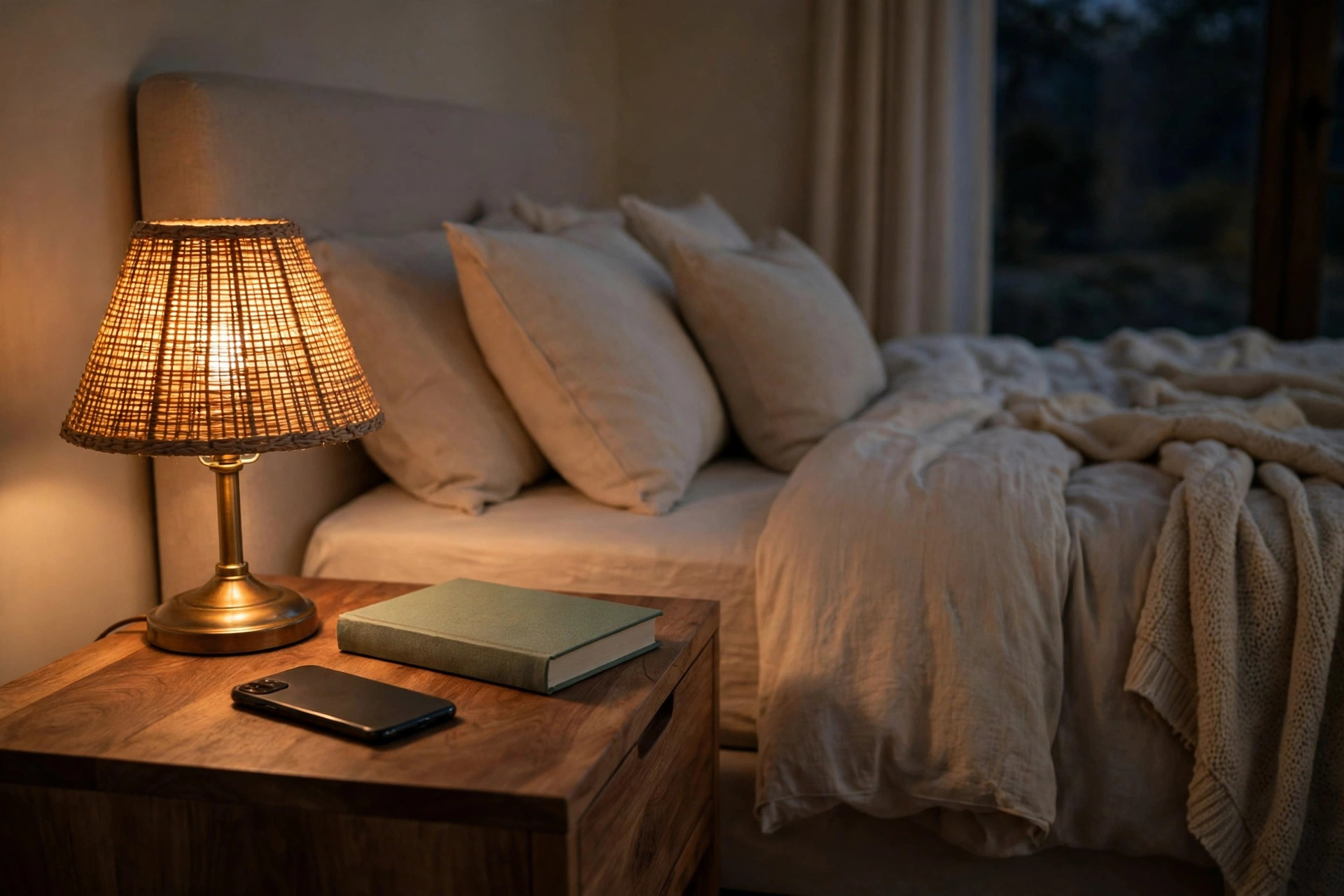
If you have ever told yourself “just five more minutes” on your phone in bed, only to look up an hour later, you are not alone. For most of us, the phone is the last thing we see at night and the first thing we reach for in the morning — and it is quietly stealing our sleep. Learning how to reduce screen time before bed is one of the simplest changes you can make for better rest, and it does not require willpower alone. It requires a plan.
The good news is that small, practical changes work better than dramatic ones. You do not need to give up your phone. A screen curfew, a phone that charges outside the bedroom, and a calmer evening routine can add up to noticeably better sleep within a week or two. If you are working on your rest in general, this guide pairs well with how to improve your sleep quality — cutting evening screen time is one of the highest-impact steps in that whole list.
Why Screen Time Before Bed Matters
Most adults spend hours a day looking at screens, and the last hour before bed is often the heaviest: social media, “one last” email, “one more” episode, the news. By the time we put the phone down, our brains are wide awake — alert, stimulated, and full of new information to process.
The problem is not just lost time. Evening screen use pushes bedtime later, makes it harder to fall asleep, and can leave sleep lighter and more broken. Over weeks, that adds up to groggy mornings and lower energy during the day. The fix is rarely about a single night — it is about changing the shape of your evenings.
How Screens Affect Your Sleep
Screens affect sleep in three main ways. First, the light from phones, tablets, and laptops — especially blue light — can delay the release of melatonin, the hormone that signals to your body that it is time to sleep. Using a bright screen late at night can shift your body clock later, so you feel less sleepy at your usual bedtime.
Second, screens are stimulating. Social media, news, games, and videos keep your brain alert and engaged, which is the opposite of what you want before sleep. An argument in a comment thread or a tense news story can leave your mind racing long after the screen goes dark.
Third, screens delay sleep simply by being absorbing. An app designed to keep you scrolling will keep you scrolling, and every extra fifteen minutes of screen time is fifteen minutes less sleep. This is why the most effective fixes are about the environment around you — making the phone harder to reach — rather than relying on willpower at 11 p.m., when your willpower is at its lowest.
8 Practical Ways to Reduce Screen Time Before Bed
1. Set a screen curfew — and make it realistic
Pick a time, usually 30 to 60 minutes before bed, after which screens go off. Start with 30 minutes if an hour feels impossible. Tell the people you live with, so they can remind you, and set a daily alarm as the signal. After a week, the curfew starts to feel normal.
2. Charge your phone outside the bedroom
This single change does more than any app or setting. If your phone charges in the kitchen or hallway, you cannot reach for it in bed or scroll “just for a minute” when you wake up at 3 a.m. Buy a cheap alarm clock if you need one. A calm, screen-free bedroom is the heart of how to build a bedtime routine that helps you sleep better.
3. Dim the lights and switch on night mode
For the hour before your curfew, turn on your phone’s night mode or warm-colour filter and lower the brightness. Dim the room lights too. This will not solve the problem on its own — a dim screen is still stimulating — but it reduces the light that delays melatonin and signals to your brain that the day is winding down.
4. Replace the scroll with a wind-down activity
The hardest part of quitting evening scrolling is the empty space it leaves. Fill it deliberately: read a paperback, stretch for five minutes, take a warm shower, or write tomorrow’s to-do list on paper. Having a replacement ready matters — if you simply put the phone down with nothing to do, you will pick it up again within minutes.
5. Use app timers and grayscale mode
Most phones now let you set daily time limits for specific apps. Set a limit for your biggest time-sinks — usually social media and video apps — and let the phone lock you out in the evening. Grayscale mode is another effective trick: turning your screen black and white makes apps far less appealing. These tools work best alongside a curfew, not instead of one.
6. Make the last hour of the day screen-free by design
If you want a deeper reset, try a full evening digital detox once or twice a week. Our guide on how to do a digital detox covers the practical steps. Even a single screen-free evening can show you how much calmer bedtime feels without a phone in the room.
7. Plan your morning so you are not afraid to miss out
A lot of late-night scrolling is driven by a quiet fear: what if something important happens while I am asleep? It rarely does. Anything genuinely urgent will still be there in the morning, and most of what you are scrolling is not urgent at all. It helps to plan something pleasant for the morning, so bedtime feels like the start of a good day rather than the end of one. A simple plan is the core of how to start a morning routine that actually works, and it makes switching off at night much easier.
8. Pause with a short mindfulness moment before sleep
When the urge to scroll hits, try a sixty-second pause instead: put the phone down, close your eyes, and take five slow breaths. This tiny practice interrupts the automatic reach for the phone. If you want to build this into a daily habit, how to practice mindfulness daily explains the simple steps — and a calmer mind at bedtime is one of its most immediate benefits.
Build a 30-Minute Screen-Free Wind-Down Routine
A routine makes the habit automatic. Try this simple sequence, starting 30 minutes before you want to sleep:
Minute 0–5: Put the phone on charge outside the bedroom. Dim the lights. Change into sleep clothes.
Minute 5–15: Do something calming — read a few pages of a book, stretch gently, or take a warm shower. Avoid work email or the news.
Minute 15–25: Get into bed. Write down anything on your mind — tomorrow’s tasks, a worry, an idea — on a paper notepad, so thoughts stop circling once the lights go out.
Minute 25–30: Lights out. A few slow breaths, eyes closed, and let sleep come.
The exact activities matter less than the repetition. After a week or two, your brain starts to recognise the sequence as a signal: it is time to sleep.
What to Do Instead of Scrolling
The question everyone asks is: what do I do with my hands? Here are some low-effort replacements that work in the last hour before bed:
Read a physical book or magazine. Paper does not glow, notify, or tempt you into one more video. Keep one on your nightstand so it is easier to reach than your phone.
Stretch or do gentle yoga. Five minutes of slow stretching releases the day’s tension and tells your body the day is ending.
Listen to a podcast or audiobook. Audio gives your mind something to follow without light or a screen. Set a sleep timer so it stops on its own.
Talk. A short, calm conversation with your partner or a family member is one of the oldest wind-down routines there is — and it beats a comment thread every time.
Pick one replacement and try it for a week. If it does not stick, try another.
The Bottom Line
Learning how to reduce screen time before bed is not about discipline or giving up technology. It is about designing your evening so the easy choice is also the good one: the phone charges outside the bedroom, the curfew alarm goes off, and a book waits on the nightstand. Start with one change — the charging spot is the best first step.
Give it a week. Most people who try it report the same two things: they fall asleep faster, and they are surprised how little they miss. The feed will still be there in the morning.
Frequently Asked Questions
How long before bed should I stop using screens?
Most sleep experts suggest stopping screen use 30 to 60 minutes before bed. If an hour feels impossible, start with 30 minutes and build up. The exact number matters less than consistency — the same screen-free window every night trains your brain to wind down on schedule.
Does night mode or a blue light filter really help?
Night mode reduces blue light and can help your body produce melatonin on time, but it does not remove the mental stimulation of scrolling, videos, or news. Treat it as a useful extra step, not a fix on its own. The most effective change is still putting the screen away before bed.
What if I need my phone as an alarm clock?
Buy a simple alarm clock — they cost very little and solve the problem completely. If you cannot, put your phone on the other side of the room, face down, on Do Not Disturb, with the alarm set. The key is making it hard to pick up casually, even if it is still in the room.
Is watching TV before bed as bad as using a phone?
TV is generally less disruptive than a phone: you sit further away, the screen is less bright relative to your eyes, and you are not actively scrolling or interacting. It can still delay sleep if the content is stimulating or the episode runs late, so keep TV out of the last 30 minutes too, and avoid watching in bed.
How long does it take to notice better sleep after cutting evening screen time?
Many people notice they fall asleep faster within a few nights, with clearer mornings after a week or two of consistent change. The effect is strongest when the screen curfew is paired with a regular bedtime and a screen-free bedroom, so give the full routine at least two weeks before judging it.
More Articles You’ll Like
Keep reading — more from this category and across the site:
- 10 Healthy Lifestyle Habits for a Better Life
- How to Declutter Your Home in a Weekend: A Room-by-Room Guide
- How to Start Journaling for Beginners: A Simple Guide
- 15 Simple Ways to Reduce Stress Every Day
- How to Build a Workout Routine for Beginners
- How to Practice Self-Care on a Busy Schedule
- How to Eat Healthy on a Budget: Practical Tips That Work
- How to Stay Active While Working From Home: 15 Easy Ways
- 50 Funny Christmas Jokes for Kids to Share This Holiday
- How to Create a Business Website for Your Small Business