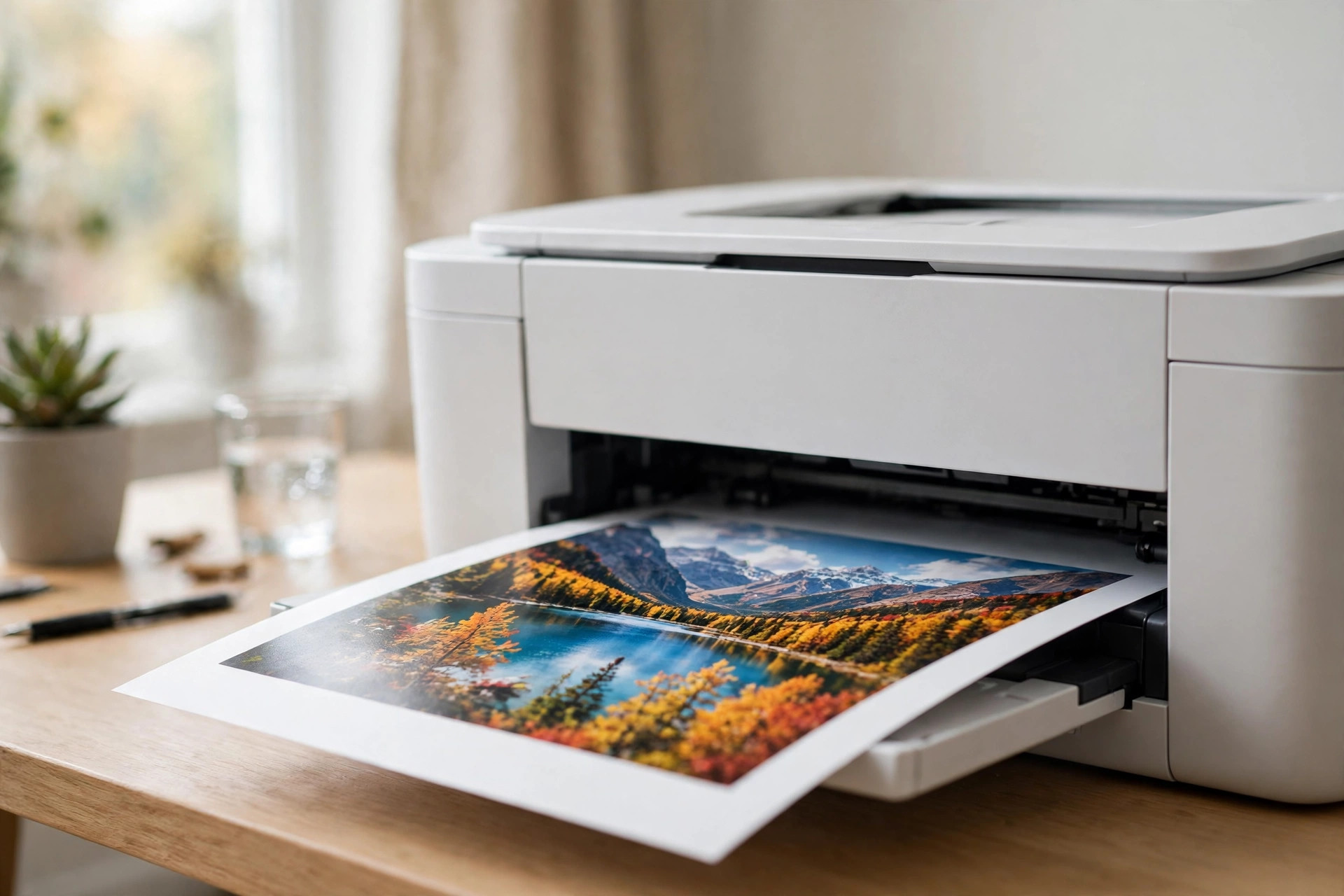
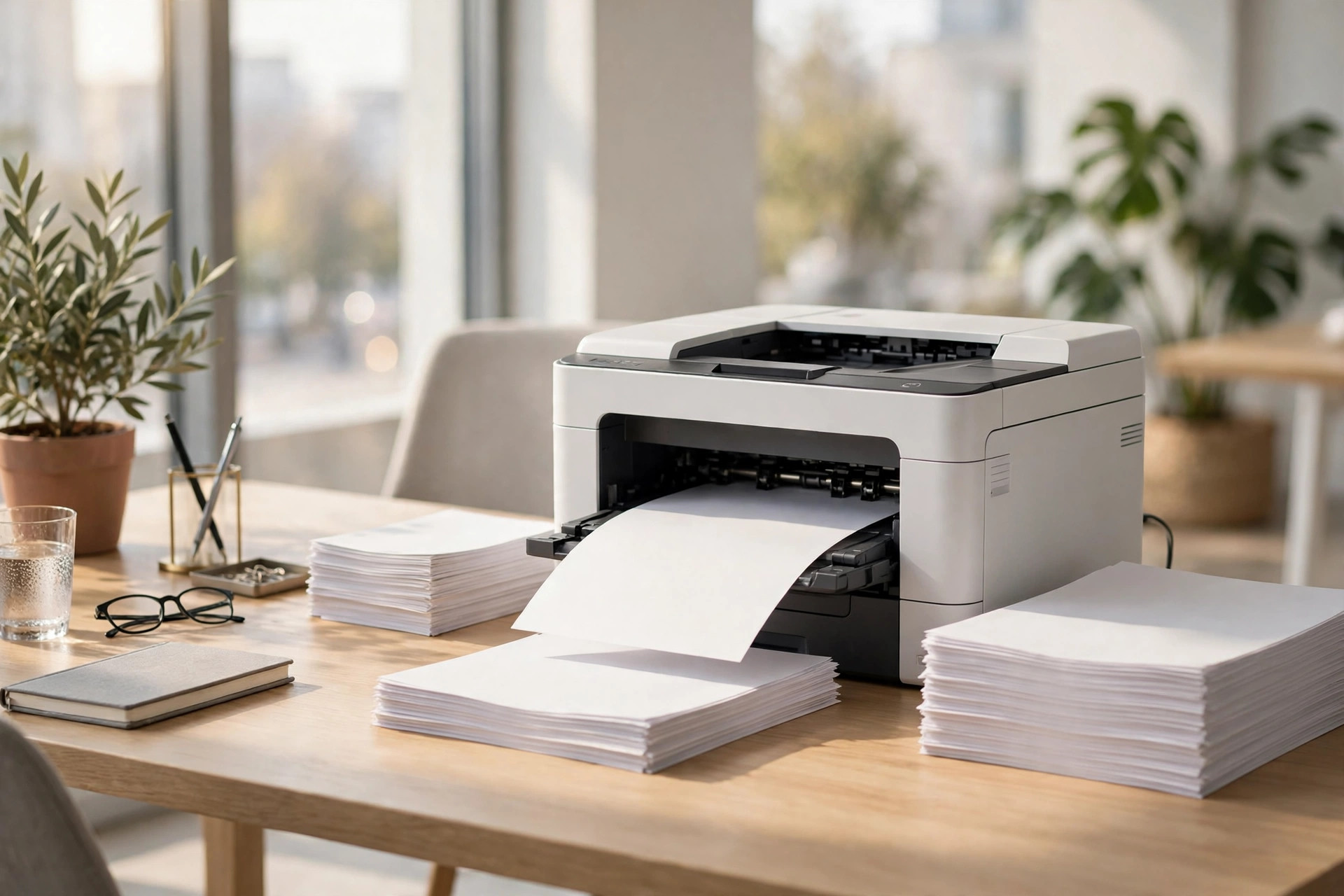
Most office documents — contracts, invoices, school handouts, meeting agendas — come out of a laser printer. The pages are crisp, the text is razor sharp, and they never smudge when you highlight them. Yet few people know what is actually happening inside the machine. Laser printing uses light, static electricity, and heat to fuse powdered toner onto paper, and understanding that process helps you choose the right printer and fix problems when they appear. If you are weighing the main home printing technologies, start with what digital printing is and how it works, since laser and inkjet are the two digital methods most homes use.
In this guide you will learn how it works step by step, how it compares with inkjet, when it is the right choice, and how to keep a laser printer running well for years.
What Is Laser Printing?
Laser printing is a digital printing method that uses a laser beam to draw an image onto a light-sensitive drum, attracts powdered toner to that image with static electricity, transfers the toner to paper, and then melts it permanently into place with heat. There are no printing plates and no wet ink, and the whole process happens in seconds, page after page.
The technology was developed at Xerox in the 1970s, building on the photocopier, and the first office laser printers arrived in the early 1980s. Today they are the default choice wherever large numbers of text documents are printed.
What makes laser printing distinctive is the toner. Unlike inkjet printers, which spray liquid ink, a laser printer uses a fine plastic-based powder. That powder stays dry indefinitely and only melts when it passes through the fuser. The result is a print that is waterproof, fade-resistant, and dry the moment it leaves the printer.
How Laser Printing Works, Step by Step
Every laser print follows the same six-stage cycle, and it repeats for each page. Knowing the stages makes troubleshooting much easier, because most print defects can be traced back to one of them.
1. Charging
Inside the printer is a cylindrical drum coated with a light-sensitive material. A charging roller gives the whole surface of the drum a uniform negative electrical charge, wiping it clean so the laser can draw on it.
2. Writing with the laser
The laser beam sweeps across the drum, switching on and off thousands of times a second according to the digital image of your page. Wherever the beam hits, it removes the charge, leaving a pattern of charged and discharged areas — the exact image of your page, written in static electricity.
3. Developing
The drum then rolls past the toner cartridge. Toner particles carry a charge that makes them stick only to the discharged areas — the parts the laser drew. At this point the image exists on the drum as a layer of fine black or coloured powder.
4. Transferring
A sheet of paper passes under the drum, and a transfer roller gives the paper a positive charge that is stronger than the drum’s hold on the toner. The toner jumps from the drum onto the paper, where it still sits as loose powder that would brush off with a finger.
5. Fusing
The paper then passes through the fuser, a pair of heated rollers that press the sheet at around 200 degrees Celsius. The heat melts the toner and bonds it into the fibres of the paper, which is why laser prints feel smooth and never smudge. This is also why laser paper must be heat-resistant — ordinary inkjet-coated paper can melt or curl in the fuser. Finally, a cleaning blade wipes leftover toner from the drum.
Laser Printing vs Inkjet Printing
The most useful comparison for most buyers is laser against inkjet, the two realistic choices for a home or small office. Each wins in different situations, and the right pick depends on what you print. For a full explanation of the other side, read the guide on how inkjet printing works and when it produces the best results before you decide.
Laser printers are faster, especially for black-and-white text. A typical home laser printer produces 25 to 35 pages a minute, while a home inkjet manages roughly half that. Laser text is also sharper, because the toner sits on the surface of the paper rather than soaking in, so fine print stays readable.
Cost is the other big difference. A laser printer costs more to buy, but toner lasts far longer than ink: a single cartridge can print thousands of pages, and the cost per page for black-and-white text is usually a fraction of an inkjet’s. Inkjet wins on photo quality and on the upfront price of the machine itself, and it handles a wider range of paper types, including glossy photo paper that a laser printer cannot use.
There is also a practical difference: a laser printer can sit unused for months and print perfectly the first time you need it, because toner never dries out. An inkjet printer left idle for weeks often needs a cleaning cycle and may waste ink unclogging its nozzles.
When to Use Laser Printing
Laser printing is the right choice when most of your printing is text: reports, essays, invoices, letters, forms, and contracts all look their best from a laser printer. It is also the right choice when you print in volume — a small business printing a few hundred pages a month, a teacher printing class sets, or a household where several people share one printer.
Colour laser printers handle charts, graphs, presentations, and simple flyers well, and they suit documents that will be filed, posted, or carried around, since laser prints resist water, smudging, and fading.
Laser printing is not the best choice for photographs, fine art prints, or iron-on transfers, where the heat of the fuser works against you. If photos matter to you, see the guide on how to print photos at home with great results, which covers the printer, paper, and colour settings that photo printing actually needs.
Choosing a Laser Printer
Start by deciding between monochrome and colour. A monochrome laser printer prints black only, costs less, and is the best value if you almost never need colour. A colour laser printer costs more and uses four toner cartridges, but it handles the occasional colour chart or flyer without a second machine. If colour is less than one page in ten, monochrome is usually the smarter buy.
Next, check the print speed and the paper handling. Anything above 25 pages per minute is fast enough for home use. A 250-sheet tray means less refilling, and automatic double-sided printing saves paper and is worth having.
Connectivity matters more than it used to. Most modern laser printers offer Wi-Fi, so you can print from a phone or laptop without a cable. Before you buy, check the cost of replacement toner for that exact model, not just the price of the printer — some cheap printers use expensive cartridges, and the toner cost over two years can exceed the price of the machine. Also check whether the printer ships with a full cartridge or a smaller starter cartridge, which runs out sooner than you might expect.
Costs, Maintenance, and Getting Good Results
A laser printer is low-maintenance, but a few habits keep it printing well. Store toner cartridges in a cool, dry place, and shake a cartridge gently side to side when the printer first warns you it is low — that often frees enough toner for dozens more pages. Keep the printer clean inside: dust and stray toner can cause specks on the page, so wipe the paper path with a dry, lint-free cloth when you change the cartridge. Use paper rated for laser printers, and read the guide on how to prepare files for print, including bleed, CMYK, and resolution before sending anything important to the printer.
Colour accuracy deserves attention too. Laser printers tend to print colours slightly differently from your monitor, most obviously in photographs. If colour fidelity matters for your work, learn how to calibrate your printer for accurate colors so what you see on screen is closer to what comes out of the printer.
Common Laser Printing Problems and Fixes
Most laser printing problems have simple causes. Faded or light prints usually mean the toner is low or the toner-save mode is switched on — shake the cartridge and check the printer settings. Vertical streaks often point to a dirty or damaged drum, so clean the drum gently or replace the cartridge if the drum is built into it. Paper jams are usually caused by overfilled trays or damp paper: fan the paper before loading it and never fill the tray above the marked line.
If the printer smells hot or prints curled pages, the paper may be too light or damp, or the fuser temperature may be set wrong for the paper type. Choose the correct paper type in the print settings — plain, heavy, or labels — because that setting controls the fuser temperature.
Frequently Asked Questions
Is laser printing better than inkjet printing?
It depends on what you print most. Laser printing is usually better for large volumes of black-and-white text, because it is faster, cheaper per page, and the text stays sharp and smudge-free. Inkjet is usually better for photos and colour graphics on glossy paper, where it produces richer colours.
Can a laser printer print photos?
Yes, but the results are rarely as good as an inkjet photo print. Laser printers lay down toner in tiny dots, which works well for charts but can make photographs look flat or slightly grainy. If photos are your main job, an inkjet printer with photo paper is the better choice.
Does laser printing work on any paper?
No. Laser printers need paper that can survive the heat of the fuser, which reaches around 200 degrees Celsius. Standard copy paper and most laser-rated papers work well, but inkjet-only coated paper, some glossy papers, and heat-sensitive materials can melt, curl, or damage the printer.
How long does a laser printer toner cartridge last?
A standard toner cartridge typically prints between 1,500 and 3,000 pages, while high-yield cartridges can reach 5,000 pages or more. Because toner is a dry powder, it does not dry out the way inkjet ink does, so a laser printer can sit unused for months and still print cleanly.
Is laser printing safe, and why does my printer smell when it prints?
Laser printing is safe for normal home and office use. The faint smell some people notice comes from ozone and heated toner, strongest during long print runs in a small, unventilated room. Keep the printer in a ventilated space and follow the manufacturer’s guidance on ventilation and cartridge handling.
More Articles You’ll Like
Keep reading — more from this category and across the site:
- What Is Offset Printing? A Beginner’s Guide
- What Is 3D Printing? How It Works and What It’s Used For
- What Is Large Format Printing? A Beginner’s Guide
- What Is UV Printing? How It Works and When to Use It
- How to Fix Common Printing Problems: A Troubleshooting Guide
- What Is Sublimation Printing? How It Works and When to Use It
- How to Print Stickers at Home: A Step-by-Step Guide
- What Is Risograph Printing? How It Works and When to Use It
- How to Print on Fabric at Home: A Beginner’s Guide
- 50 Funny Christmas Jokes for Kids to Share This Holiday